
The best photos for an AI storybook are clear, recent, well-lit images that show the person's face from several angles, without sunglasses, heavy filters, or anything covering key features. An AI storybook generator with pictures needs to learn what someone looks like before it can turn them into a recognizable illustrated character.
How to Choose Photos for an AI Storybook
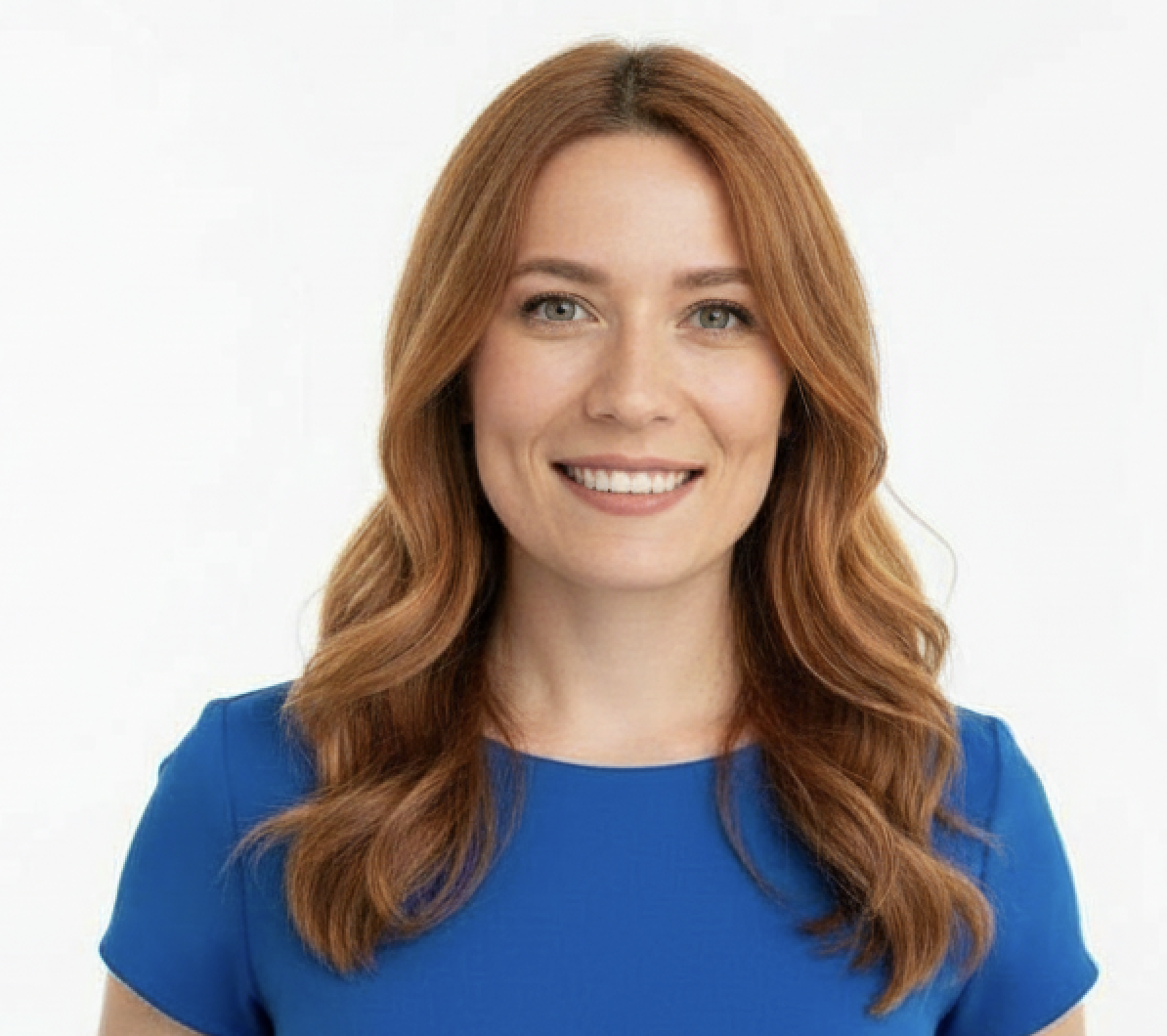
The best photos for an AI storybook are clear, recent, well-lit images that show the person's face from several angles, without sunglasses, heavy filters, or anything covering key features. An AI storybook generator with pictures needs to learn what someone looks like before it can turn them into a recognizable illustrated character.
A few strong photos are better than a folder full of dark, blurry, or over-edited pictures. Use this checklist before uploading, especially if the book is a gift and you want the character to look like the real child, grandparent, partner, or pet.
Quick photo checklist
| Upload these first | Helpful extras | Avoid if possible |
|---|---|---|
| A clear front-facing portrait | A three-quarter angle | Blurry screenshots |
| A recent photo showing current appearance | A profile or side view | Sunglasses or face paint |
| Good daylight or soft indoor light | A natural smile | Heavy beauty filters |
| Face large in the frame | One full-body photo | Tiny faces in group shots |
| Eyes open and visible | A favorite outfit or accessory | Backlit or shadowy pictures |
If you are making the book through Storique, the same principle applies throughout the process: the photos supply the character reference, then you shape the story and review the book before ordering. If you want to plan the story as well as the photo set, follow the complete guide to making a personalized storybook with photos. For the technical production flow, see how AI storybooks work.
Use soft, even lighting
Lighting does more than make a photo pretty. It decides whether the face is readable.
The safest option is daylight near a window or open shade outside. You want the eyes, skin tone, hair, face shape, and smile to be easy to see. Avoid strong shadows across the face, bright light behind the person, and flash photos that flatten the features.
If you can choose between a sharp daytime snapshot and a dramatic evening photo, use the daytime snapshot. It may be less sentimental, but it gives the AI cleaner information.
Include more than one angle
One front-facing photo is useful, but it does not show how a face turns. A storybook character may look sideways, run through a forest, sit at a table, or look up at a dragon. The generator needs enough reference to keep the same person recognizable in different poses.
A good set includes:
- One straight-on face photo
- One photo where the face is turned slightly
- One side or profile view, if you have it
- One photo that shows posture, build, or hairstyle from farther back
You do not need a professional portrait session. Five calm minutes by a window can beat months of random camera-roll photos.
Choose natural expressions
Include one relaxed expression and one natural smile. That is usually enough.
Very exaggerated faces can be fun in a family album, but they are weak reference photos. Tongues out, wide-open mouths, squinting, or costume poses can distort the features the model needs to learn. A calm expression captures the face; a genuine smile captures the person.
For children, do not force a formal pose if it makes them stiff. A simple "look toward the window" photo often works better than a forced school-photo grin.
Match the photos to the age you want in the book
Children change quickly. A photo from two years ago can make a six-year-old look like their younger self. If the book is meant to be about who they are now, use current photos.
There is one exception: milestone books. If you are making a first-year story, a wedding memory, or a book about a specific holiday, it can make sense to use photos from that time. Just keep the set consistent. Mixing baby photos, toddler photos, and current photos for the same character can confuse the look unless the story intentionally moves through time.
Treat group photos as backup, not the main reference
Group photos are often emotionally important, but they are rarely the best upload source. Faces are smaller, people are turned at different angles, and someone may be half hidden behind another person.
Use group photos for memory and story ideas. For character creation, try to find at least one clear solo photo for every main person in the book. If the best photo of a grandparent is a family dinner shot, crop is not always enough; look for a second image where their face is larger and better lit.
Add pets with the same care
Pets can carry a story. A dog who joins a forest adventure, a cat who guards a magical library, or a horse who leads the hero home can make the book feel like your family rather than a template.
For pets, upload sharp photos where markings, face shape, ears, and coat color are visible. Avoid motion blur. A sleeping pet on the sofa may be a better reference than an action shot at the park.
If the animal will lead the whole plot, the guide to making a personalized pet storybook from photos shows how to turn those markings and familiar behaviors into a complete book.
What if you only have a few photos?
Do not pad the upload with weak images. Three or four clean photos can be more useful than ten bad ones.
If your set is limited, choose variety first: one front-facing photo, one angled photo, and one smiling photo. Skip anything that is dark, filtered, or blurry. If the person is available, take fresh photos rather than searching endlessly. Put them near a window, use a plain background, and take a few relaxed shots.
For grandparents and adults, this can feel awkward because many people dislike being photographed. Keep it light: "I need one clear picture for the book so it actually looks like you" is usually enough.
Turn the photos into a story idea
The photos make the character recognizable. The story gives the book a reason to exist.
Before uploading, write down three details:
- Who is the book for?
- What should the character love, learn, or notice?
- Which real detail should appear in the story?
That real detail might be a yellow backpack, a garden shed, a favorite song, a beach from last summer, or a grandparent's kitchen. These small specifics are what separate a personal storybook from a generic personalized product.
Once you have those details, the AI storybook prompt template helps you turn them into a clear character, problem, plot, and ending.
For inspiration, see how one family turned family memories into a magical storybook. If you are thinking about the gift side, our guide to gifts that tell a story explains why a narrative gift can feel more personal than another object from a shelf.
Illustration style matters too. The same child can feel adventurous, gentle, funny, or dreamlike depending on the visual world around them. Our guide to children's book illustration styles can help you choose a look before you begin.
Frequently asked questions
How many photos do I need for an AI storybook?
There is no universal number. A small set of clear, well-lit photos from different angles usually works better than a large set of blurry or repetitive pictures. Choose clarity and variety first.
Can I use old photos?
Yes, if the story is about that time. For a book about the person now, use recent photos, especially for children. Their face, hair, teeth, and proportions can change quickly.
Do filters affect the final character?
They can. Heavy filters, beauty smoothing, face reshaping, and strong color edits can hide the real features the generator needs. Use natural photos whenever possible.
Can I include more than one person?
Yes. Give each main character their own clear reference photos. Do not rely on one group shot to define several people.
What if someone wears glasses?
Use glasses if the person normally wears them. Just make sure there is not so much glare that the eyes disappear.
Ready to make the book
Once you have a few clear, recent photos and a concrete story idea, you are ready to start. Storique lets you create a personalized illustrated storybook from uploaded photos, shape the story, and review the book before ordering. You can begin in the step-by-step guide or go straight to creating your storybook.
A little story magic, delivered.
New free stories, thoughtful gift ideas, and occasional Storique news — one lovely email at a time.
- Free stories
- Gift ideas
- Storique news